
In today’s fast-changing enterprise world, where compliance, security and collaboration demands grow every day, the old model of shared email-based repositories is quietly breaking under pressure. Among the most difficult to justify now are legacy public folders. What once served as a simple departmental “shared inbox or folder set” has become a liability.
The Limits of Legacy Folder Systems
Public folders were designed for a static, on-premise environment. They rely on fixed hierarchies, rigid folder trees and minimal metadata. In modern organizations that are distributed, hybrid and fast-moving, this rigidity quickly becomes a barrier.
Fixed structure does not support flexible workflows. Legacy folder trees make it difficult to adapt as teams expand, reorganize or take on new projects.
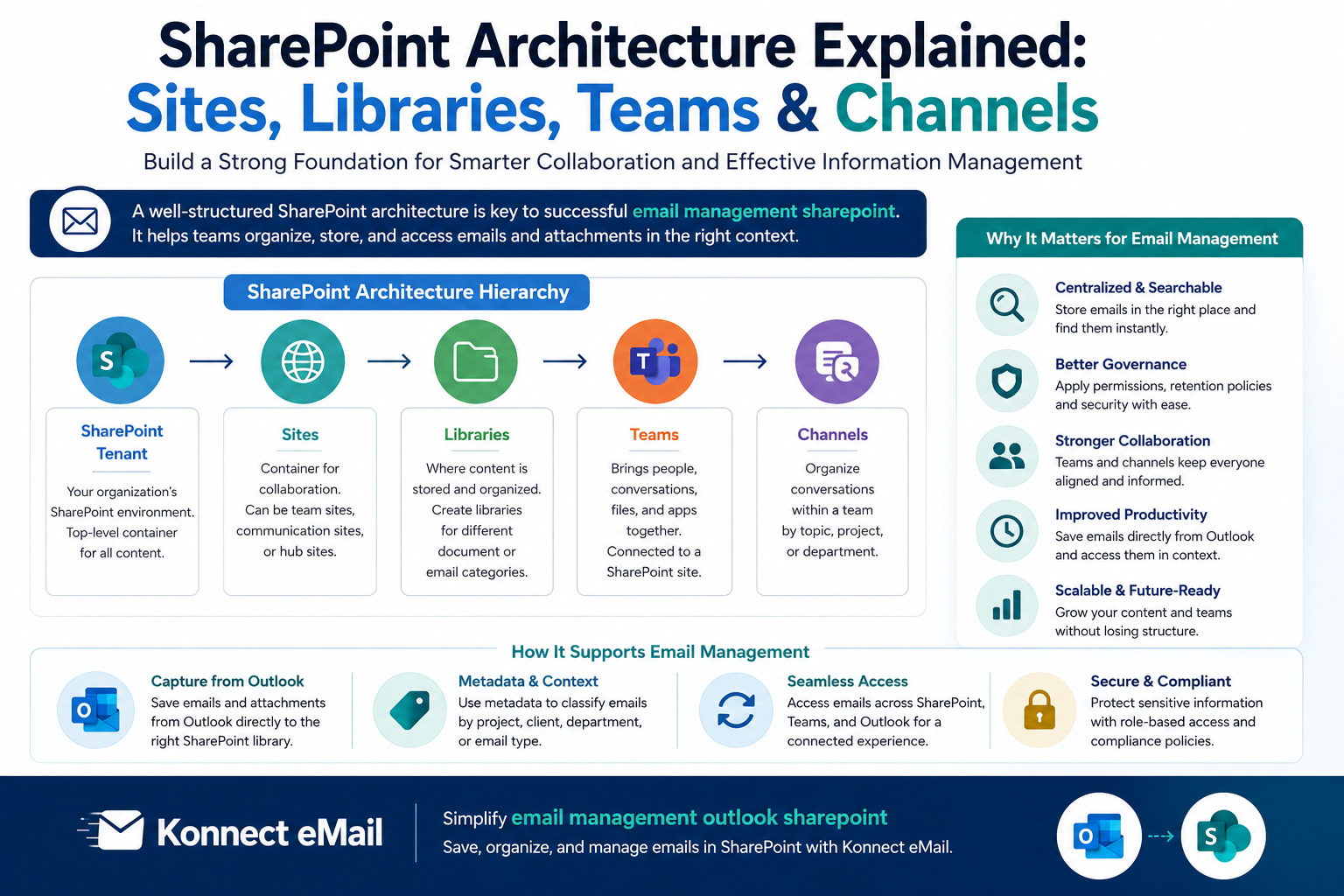
No true collaboration features. There is no document co-authoring, versioning, task integration or threaded conversation context. This is why many organizations eventually shift toward SharePoint Outlook Integration, which connects files, emails and collaboration in one workflow.
Replication challenges. Every modification triggers backend replication, creating delays and performance issues, especially in large environments.
Poor visibility and limited audit trails. Modern compliance requirements cannot be met when there is no built-in way to track who accessed or modified content.
The Compliance and Governance Gap
As regulations tighten around data governance and auditability, public folders fall short. They were never designed for automated retention, granular permissions, metadata tracking or secure external and mobile access.
For industries such as healthcare, finance and legal, this limitation becomes a significant risk.
The Modern Alternative: Platform-First Collaboration
New-age collaboration platforms, including cloud content systems and SharePoint-based solutions, offer features designed for today’s digital workspace.
Metadata instead of hierarchy. Tagging replaces static folder trees, making information easier to organize and retrieve.
Workflow automation and version control. Teams can co-author documents, track revisions and integrate tasks directly into their daily workflow.
Governance built in. Retention rules, audit logs and secure access are part of the foundation.
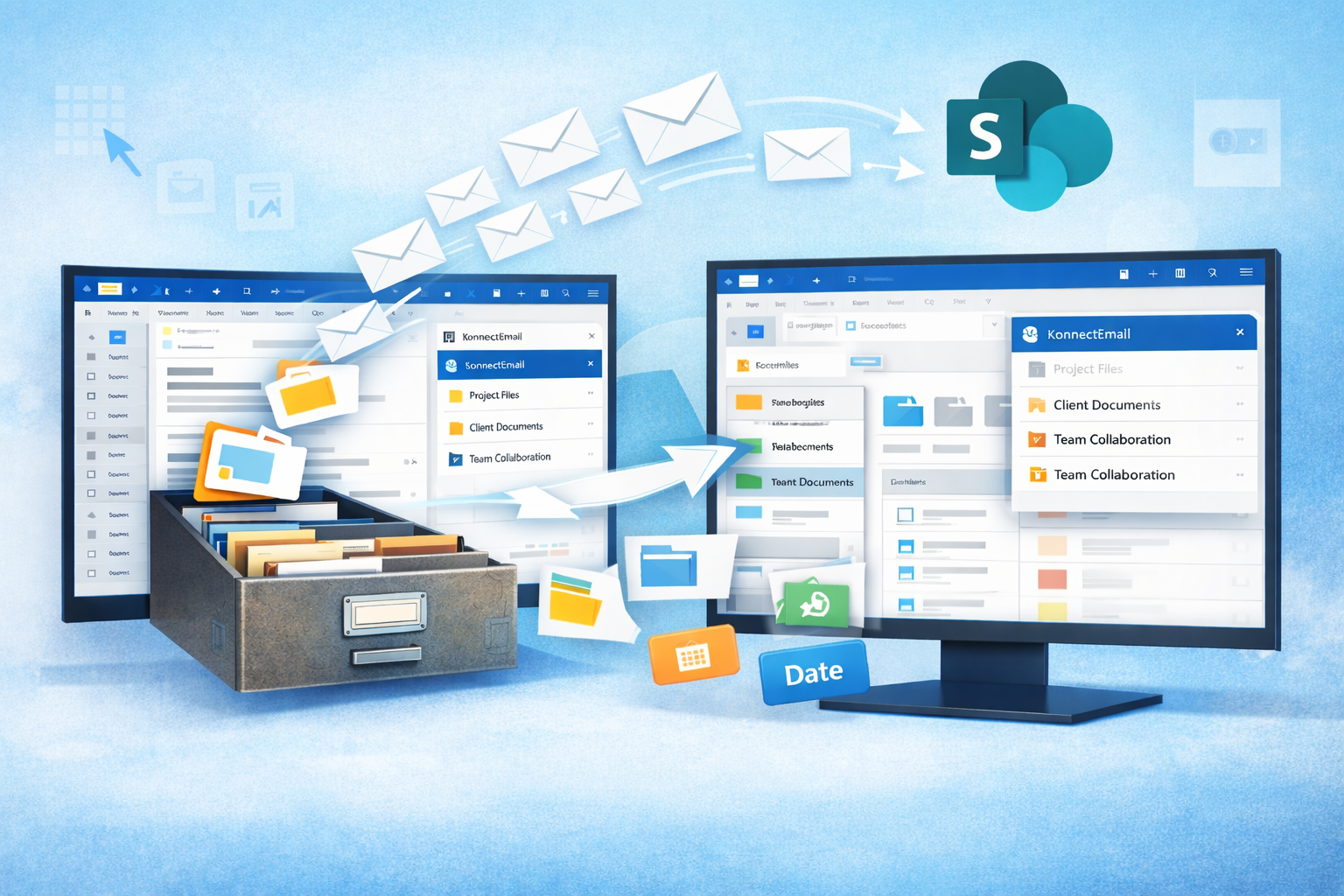
Unified workspace. Emails, files, calendars and tasks all come together through features such as SharePoint Outlook Integration, helping teams avoid silos and achieve a consolidated workflow experience.
Why Staying on Public Folders Is Costly
Relying on legacy systems often results in:
Disorganized and outdated information
Compliance vulnerabilities
Time wasted searching for or forwarding files
Performance issues and replication delays
Difficulty scaling as teams grow
Instead of supporting collaboration, public folders usually slow teams down and increase operational risk.
A Strategic Imperative: Time to Move On
Modern organizations need platforms that grow and adapt with them. Legacy public folders no longer align with business needs, compliance expectations or hybrid-work realities. Transitioning to modern systems, supported by capabilities like SharePoint Outlook Integration, is not just an upgrade. It is a strategic step that improves productivity, governance and long-term sustainability.


Write a comment ...