
Microsoft 365 gives organizations several ways to store, organize, and collaborate on business information. SharePoint sites, document libraries, Microsoft Teams, and channels all play different roles, but deciding where business emails should actually live can be surprisingly difficult.
Should emails be stored in a dedicated SharePoint site? Should an existing site contain a separate email library? Or is saving emails to a Teams channel enough?
There is no universal answer. The right architecture depends on how your organization handles permissions, retention, search, metadata, collaboration, and business records.
Why SharePoint Architecture Matters for Email
Email is often much more than everyday communication. Important approvals, customer instructions, project decisions, contracts, financial discussions, and legal correspondence may all arrive through Outlook.
If these emails are stored without a clear structure, finding them later can become difficult. A well-planned SharePoint architecture gives organizations a framework for organizing important correspondence alongside other business content.
A strong architecture should answer three basic questions:
· Who needs access to the information?
· How should the information be organized and classified?
· How long does the information need to be retained?
When these questions are answered before creating sites and libraries, organizations can avoid unnecessary complexity later.
Understanding the SharePoint Information Hierarchy
Before deciding where emails should be stored, it helps to understand how the main Microsoft 365 components relate to one another.
SharePoint Tenant
The SharePoint tenant represents the organization's overall SharePoint environment. It provides the foundation in which individual SharePoint sites and content are created.
It is the highest-level environment rather than the location where users typically file individual emails.
SharePoint Sites
A SharePoint site provides a broader workspace for a department, project, business function, case, or other organizational area.
For example, a legal department could have a dedicated site containing documents, lists, pages, and email records associated with its work.
Sites are particularly useful when multiple types of information need to share the same audience, security model, and business context.
Document Libraries
Document libraries are where files and email records can be stored and managed.
A dedicated email library inside an existing SharePoint site can provide a focused environment for correspondence. It can have its own columns, views, metadata, and retention configuration.
For many organizations, this offers a practical balance between structure and simplicity.
Microsoft Teams
Microsoft Teams provides the collaboration experience employees use for conversations, meetings, files, and day-to-day teamwork.
Teams files are backed by SharePoint. Standard channels use the team's underlying SharePoint site, while private and shared channels have their own SharePoint sites.
This connection is important because saving an email through Teams is still part of the underlying SharePoint architecture.
Teams Channels
Channels organize conversations and files around particular topics, projects, or workstreams.
They can be useful for operational correspondence that belongs directly to a team's collaborative workflow. However, they should not automatically become the default location for every type of business email.
Three Common Approaches to Email Storage
Organizations generally encounter three practical architecture models when deciding where email records should live.
1. Site-Level Email Architecture
In a site-level model, the organization creates a SharePoint site around a specific business area and stores email records as part of that larger environment.
For example:
· A legal matters site
· An HR employee relations site
· A customer project site
· A compliance site
· A departmental records site
This approach works particularly well when emails are closely connected to documents, lists, pages, and other information belonging to the same business function.
Advantages of Site-Level Architecture
A site-level structure can provide:
· Clear business boundaries
· Centralized permissions
· Consistent governance
· Shared metadata
· Better context between emails and documents
· A dedicated environment for a department or project
However, creating too many sites can quickly become difficult to manage.
If every client, case, or small project receives its own site, administrators may eventually have hundreds or thousands of sites to govern.
When to Choose a Site
A site is generally appropriate when the business area has its own users, permissions, lifecycle, and information requirements.
If the email record belongs to a clearly defined business environment, a dedicated site may be the right foundation.
2. Library-Level Email Architecture
A library-level approach places emails inside a dedicated document library within an existing SharePoint site.
For example, a Finance site might contain an Email Records library, while a project site could contain a Client Correspondence library.
This approach is often a strong middle ground because it provides structure without creating another SharePoint site.
Why Dedicated Email Libraries Work Well
A dedicated library can have email-specific:
· Metadata columns
· Views
· Filters
· Retention settings
· Naming conventions
· Navigation
· Access controls
This makes it easier to distinguish email records from ordinary documents while keeping everything inside the appropriate business site.
It can also support email management sharepoint strategies by bringing correspondence into the same structured environment as related documents and business records.
Potential Challenges
The success of a library-level model depends heavily on the quality of its parent site.
A poorly designed department-wide site with overly broad permissions can create problems even if the email library itself is well organized.
Before creating a library, consider whether the parent site has the correct audience, security boundaries, and business purpose.
3. Teams Channel-Based Email Storage
The third option is to save emails in the Files area associated with a Microsoft Teams channel.
This can be convenient because employees are already working in Teams. For project teams, operational discussions, and collaboration-focused correspondence, keeping files and emails close to the relevant channel can make sense.
However, this model requires a clear understanding of how Teams and SharePoint interact.
Standard Channels
Files in standard Teams channels are stored in the team's SharePoint site, typically within the Documents library under the appropriate channel folder.
Because standard channels share the same underlying SharePoint site, organizations should consider how permissions and information structure will work across the entire team.
Private and Shared Channels
Private and shared channels use separate SharePoint sites.
This difference can have important implications for permissions, governance, search, retention, and information discovery.
As a result, a simple decision to "save it to the Teams channel" can create different outcomes depending on the type of channel being used.
When Should You Use Each Model?
There is no single architecture that works for every organization.
Choose a Site When
A SharePoint site makes sense when:
· The business function has a distinct identity
· Multiple content types belong together
· Permissions need to be managed at a business boundary
· Retention applies broadly to the content
· The area has its own lifecycle
Choose a Library When
A dedicated library is often suitable when:
· An appropriate SharePoint site already exists
· Emails are only one type of business content
· You need email-specific metadata
· Users need dedicated email views
· You want structured email records without creating another site
For many organizations, this is a practical default.
Choose a Teams Channel When
A Teams channel can be appropriate when:
· The team already works primarily in Teams
· Emails are mainly collaboration material
· The channel closely matches the business workstream
· Speed and convenience are more important than formal records architecture
It becomes less suitable when emails represent sensitive, regulated, or long-term business records that require a more deliberate information structure.
What Does This Mean for Email Management?
A good architecture should make it easier for employees to save and retrieve important correspondence without creating unnecessary administrative work.
An effective email management outlook sharepoint strategy connects the place where employees communicate with the place where business information needs to be retained.
This means users should be able to capture important Outlook emails and attachments into the appropriate SharePoint location while preserving useful information such as sender, recipient, subject, and date.
Use Metadata Alongside Folders
Folders can provide a familiar structure, but metadata can make large collections of emails much easier to classify and search.
Useful metadata might include:
· Client
· Project
· Department
· Case
· Email type
· Sender
· Received date
· Status
· Retention category
The goal is not to create dozens of fields. Instead, organizations should identify the information employees actually need when searching for an email months or years later.
Don't Design Around Teams Alone
Teams is an important part of Microsoft 365 collaboration, but it should not automatically determine the organization's entire records architecture.
A team may be ideal for day-to-day collaboration while SharePoint provides the structured location for long-term records.
This distinction allows organizations to give employees a convenient collaboration experience without sacrificing governance and information management.
A Practical Architecture Model
For many organizations, a layered approach can provide a good balance:
SharePoint Site → Business Boundary
Defines the department, project, case, or functional area.
SharePoint Library → Email Record Structure
Provides dedicated storage, metadata, views, and governance for correspondence.
Microsoft Teams → Collaboration Experience
Gives employees a familiar environment for conversations, teamwork, and day-to-day collaboration.
This approach avoids forcing every email into a Teams channel while still allowing Teams and SharePoint to work together.
How to Build a Better Email Architecture
Before implementing a new structure, consider the following steps.
Step 1: Identify Business Information
Determine which emails need to be retained and why.
Not every message needs to become a formal SharePoint record.
Step 2: Map Security Requirements
Identify who should have access to different categories of email.
Permissions should reflect actual business responsibilities rather than simply copying an existing folder structure.
Step 3: Define Metadata
Choose a small number of meaningful fields that help users classify and retrieve emails.
Step 4: Decide Between Sites and Libraries
Create separate sites only when there is a genuine business, security, or lifecycle reason.
Otherwise, consider whether a dedicated library inside an existing site is sufficient.
Step 5: Connect Outlook to SharePoint
Once the architecture is established, make email capture as simple as possible for employees.
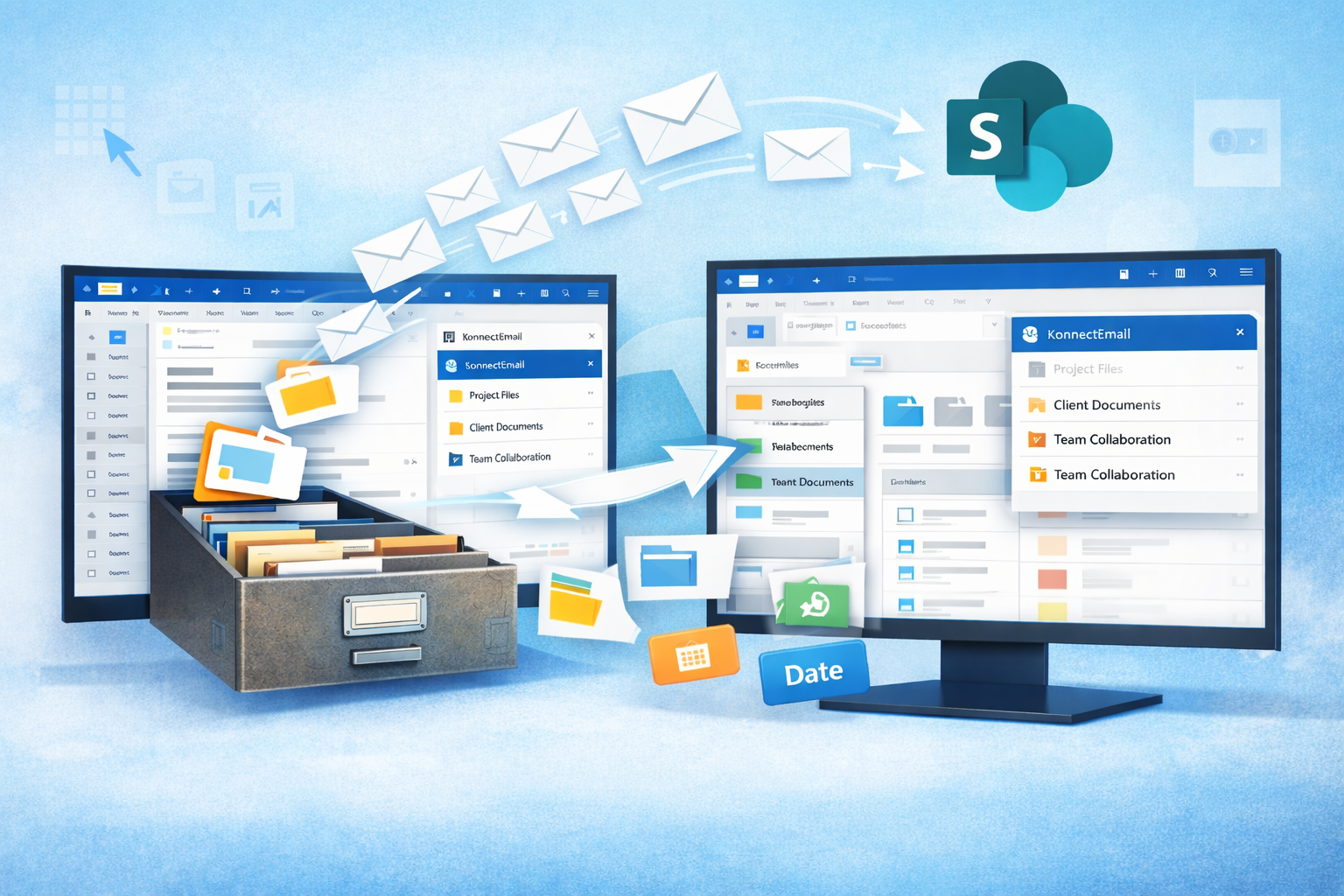
Solutions such as Konnect eMail can help organizations connect Outlook with SharePoint and save emails and attachments into the appropriate Microsoft 365 locations.
Final Thoughts
SharePoint architecture is not simply about deciding where files are stored. For organizations managing large volumes of business correspondence, it determines how emails are organized, secured, searched, governed, and connected with the rest of the business.
The most effective approach is usually based on business context rather than convenience alone.
Use sites to establish meaningful business boundaries, libraries to create structured email repositories, and Teams channels when collaboration content genuinely belongs there.
With the right architecture in place, organizations can build a more organized Microsoft 365 environment while making important email records easier to capture, manage, and retrieve.



Write a comment ...